
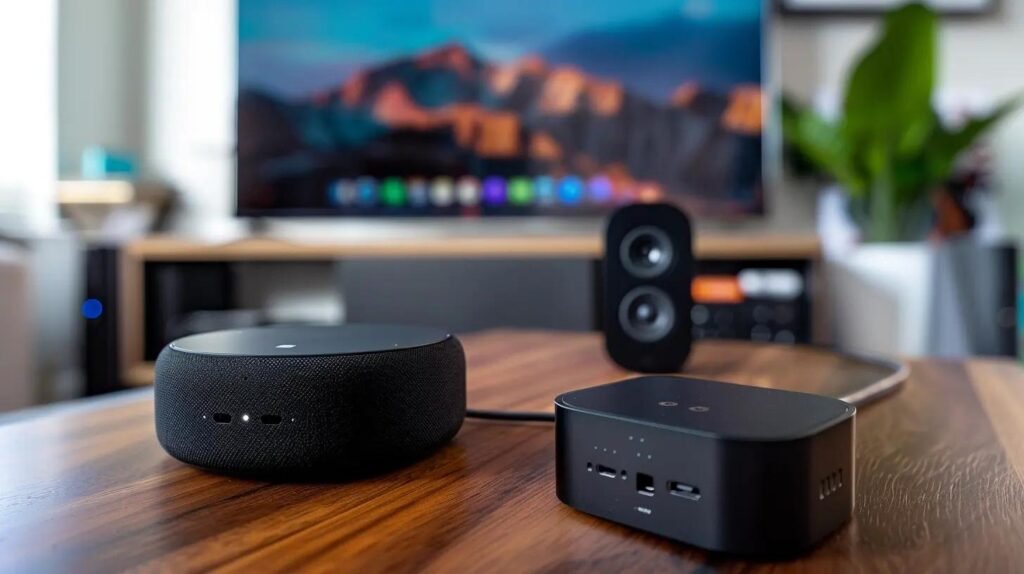
Best Streaming Services for Seniors: Simple & Affordable Options
Streaming TV can save money and give you more choices than traditional cable.
But there’s a problem.
There are now so many streaming services that choosing between them can become almost as frustrating as the cable bill you were trying to escape.
My advice, especially for those of us over 60, is simple:
You probably don’t need five or six streaming services.
Start with one that has the programs you actually enjoy. You can always add another later.
Here are several legitimate streaming choices worth considering.
What Makes a Streaming Service Senior-Friendly?
I don’t think the service with the most features is necessarily the best one.
For me, a good streaming service should be:
- Easy to navigate
- Reasonably priced
- Reliable
- Easy to cancel
- Filled with programs you actually want to watch
Most importantly, it shouldn’t turn relaxing in front of the television into another technology project.
1. Netflix — Good for Movies and Series
Netflix remains one of the simplest places to start if you’re new to streaming.
There is a large selection of movies, documentaries and television series, and once you become familiar with the basic menu, it’s relatively straightforward to use.
As of September 2026, Netflix’s U.S. plans are:
- Standard with ads — $8.99/month
- Standard without ads — $19.99/month
- Premium — $26.99/month
Prices can change, so always check before subscribing.
Best for: Someone who enjoys movies and complete television series and wants one large entertainment library.
2. Hulu — Good for Television Shows
Hulu is another established option, particularly if television series are more important to you than movies.
It offers current and past seasons of many shows, along with movies and Hulu originals.
Hulu also offers bundles with Disney+ and other services. For example, Hulu currently advertises a Disney+ and Hulu bundle with ads for $12.99 per month.
My advice is not to automatically buy a bundle because it sounds like a bargain.
Ask yourself:
Will I actually watch both services?
If the answer is no, the “deal” may just become another monthly charge.
Best for: People who particularly enjoy television series and current-season programming.
3. YouTube — A Good Place to Start for Free
Don’t confuse regular YouTube with YouTube TV.
Regular YouTube has an enormous amount of content you can watch without paying for a subscription, although you’ll generally see advertising.
You’ll find everything from old television clips and documentaries to cooking, gardening, travel, home repair, music and educational videos.
For someone who isn’t sure whether streaming is for them, YouTube can be an easy place to experiment before paying for another service.
Best for: Someone who wants plenty to watch without immediately adding another monthly subscription.
4. Peacock — Worth Considering for TV, Movies and Sports
Peacock is another legitimate option that may appeal particularly to people interested in NBC and Bravo programming, movies and live sports.
Peacock changed its pricing in August 2026. Current monthly prices are:
- Select — $8.99/month
- Premium — $12.99/month
- Premium Plus — $19.99/month
The plans don’t all contain the same programming, so look carefully at what’s included before subscribing.
For example, Peacock says its Premium plan includes TV programs, movies, Peacock Originals and live sports, while Premium Plus reduces advertising but still has some exceptions.
Best for: Someone interested in NBC-related programming, movies and certain live sports.
What About YouTube TV?
YouTube TV is different from regular YouTube.
It’s closer to replacing a traditional cable package because it offers live television channels, including local stations.
But that convenience comes at a considerably higher price.
The main YouTube TV plan currently lists a regular price of $82.99 per month, although promotional prices may be offered to new subscribers.
That’s why I wouldn’t automatically recommend it to someone whose main goal is simply to lower the cable bill.
Before signing up, compare what you’re currently paying with what you’d actually save.
Do You Really Need More Than One Streaming Service?
Probably not at first.
One of the easiest mistakes to make after canceling cable is subscribing to Netflix, Hulu, Peacock and several other services.
Pretty soon you have another pile of monthly bills.
I would start with one paid service.
Use it for a month or two.
If you’re constantly wishing you had something it doesn’t provide, then consider adding another.
And if you stop using a service, cancel it.
That’s one of the advantages of streaming—you don’t have to keep paying for something simply because you’ve always had it.
Don’t Forget Free Entertainment
Before adding another subscription, look at the free choices available to you.
Regular YouTube is one example. Depending on your television and where you live, you may also have access to free over-the-air local television with an antenna or legitimate free, ad-supported streaming services.
Free doesn’t always mean better, but it does mean you shouldn’t assume that enjoying television requires another $15 or $20 monthly charge.
How Much Should You Spend?
There isn’t one correct number.
Someone who watches television every evening may happily pay for two services.
Someone who watches occasionally may need none.
Instead of asking:
“How many streaming services should I have?”
I’d ask:
“Which ones am I actually using?”
That’s the question that can save money.
A $9 service you use every night may be a much better value than three $15 services you rarely open.
Keep the Setup Simple
This is probably the most important lesson I’ve learned.
You don’t need every streaming service.
You don’t need the newest television.
And you don’t need a complicated collection of gadgets.
Choose the entertainment you enjoy and find the simplest legitimate way to watch it.
My wife and I have found that evenings are more enjoyable when we spend less time dealing with technology and more time simply relaxing.
Final Thoughts
Streaming can be a good alternative to traditional cable, but only if you keep it under control.
Start small.
Choose one service based on what you enjoy watching.
Learn how to use it.
Then decide whether you really need anything else.
After 60, I think simplicity has real value.
The goal isn’t to have the most entertainment options. The goal is to enjoy the ones you have.